Many QBRs go the same way. The vendor shows 40 slides of logins, tickets and release notes, the customer's executive checks their phone, and everyone leaves without deciding anything. Next quarter, the meeting gets shorter or doesn't happen at all.
A quarterly business review should be the most useful meeting a customer has with you all quarter. This guide covers who to invite, an agenda that works, the value recap and data slides, recommendations and asks, and how to turn it all into a QBR template your team reuses. The examples use two fictional companies: Northlake Analytics, a software vendor, and its customer Harbor & Pine, a hotel group with 12 hotels.
What a QBR is for
A customer QBR is a meeting between a vendor and a customer's decision makers to look back at the quarter and agree what happens next. Done well, it's an hour the customer values. Done badly, it's a report they could have read in an email.
It has three jobs:
Show value against the customer's goals. Not what you shipped or how often they logged in, but what changed in their business.
Agree the next quarter. Priorities, changes and who does what.
Keep the relationship above the day-to-day contact. For many customers, it's the only time their executive sponsor hears from you directly.
It isn't a product demo, a feature tour or a renewal pitch in disguise. If a renewal or expansion is coming, put it on the agenda openly. The meeting is still about their business.
A QBR reviews the customer's quarter, not yours.
A QBR deck has a lot in common with a sales deck. Both are built around the customer's problem, both end with a specific next step and both get forwarded to people who weren't there. Our guide to sales deck structure covers decks for new buyers; this one is for customers you already have.
Some companies also run internal QBRs, where a team reviews its own quarter with leadership. The same principles hold: goals first, results against them, decisions at the end. For that version, see our guides to presenting to executives and, if the board is involved, board presentations. The rest of this guide is about the customer QBR.
Who should be in the room
The right people make a QBR a decision meeting. The wrong mix turns it into a status call.
From the customer:
The executive sponsor, who owns the budget or the goal. Without them, nobody in the room can agree to change much.
The day-to-day owner, usually your champion, who helps you prepare.
One or two team leads or heavy users, who know where the product works and where it doesn't.
Finance or procurement, only when a renewal or expansion is on the agenda.
From your side:
The account manager or customer success manager, who runs the meeting.
The account executive, if commercial topics are on the agenda.
A product or technical specialist, if roadmap or integration questions are likely.
One of your executives, now and then, matched to the level of theirs.
Keep your side no bigger than theirs. Four vendor people facing two customers feels like a sales ambush.
For Harbor & Pine, that means the VP of revenue as sponsor, the revenue systems manager who runs Northlake day to day, and two hotel general managers. Northlake brings its customer success manager and account executive.
Book a short prep call with the champion a week before. Check the goals, the numbers and what their executive cares about this month. It's the call where you learn which question you'll be asked first.
A QBR structure (agenda)
For an hour-long meeting, eight main slides are plenty. The order matters: look back first, then look forward, then commit.
Title. Both company names, the quarter and the date.
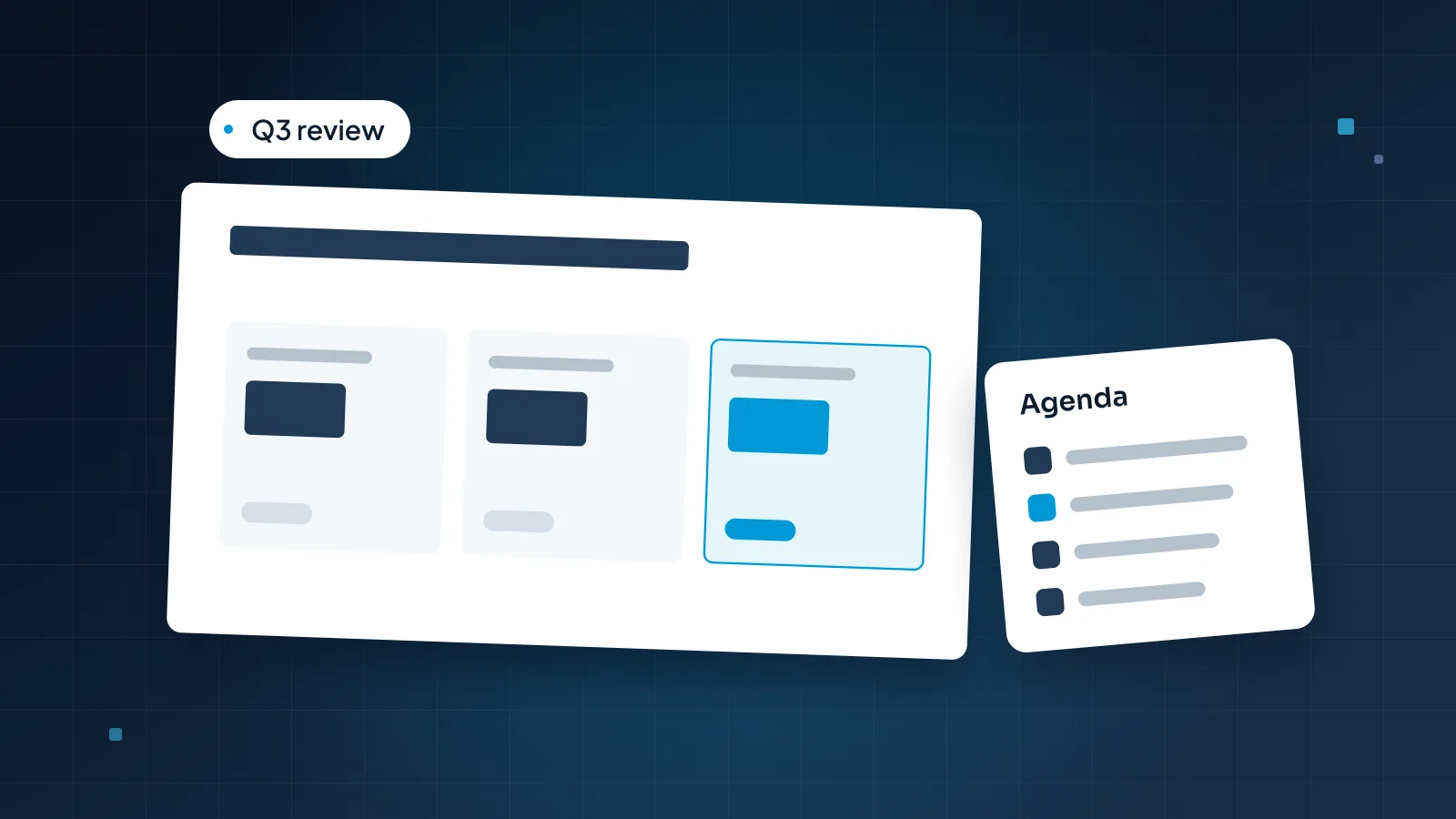
Goals and agenda. The goals you agreed last quarter, word for word, and today's topics, with the decisions you need marked.
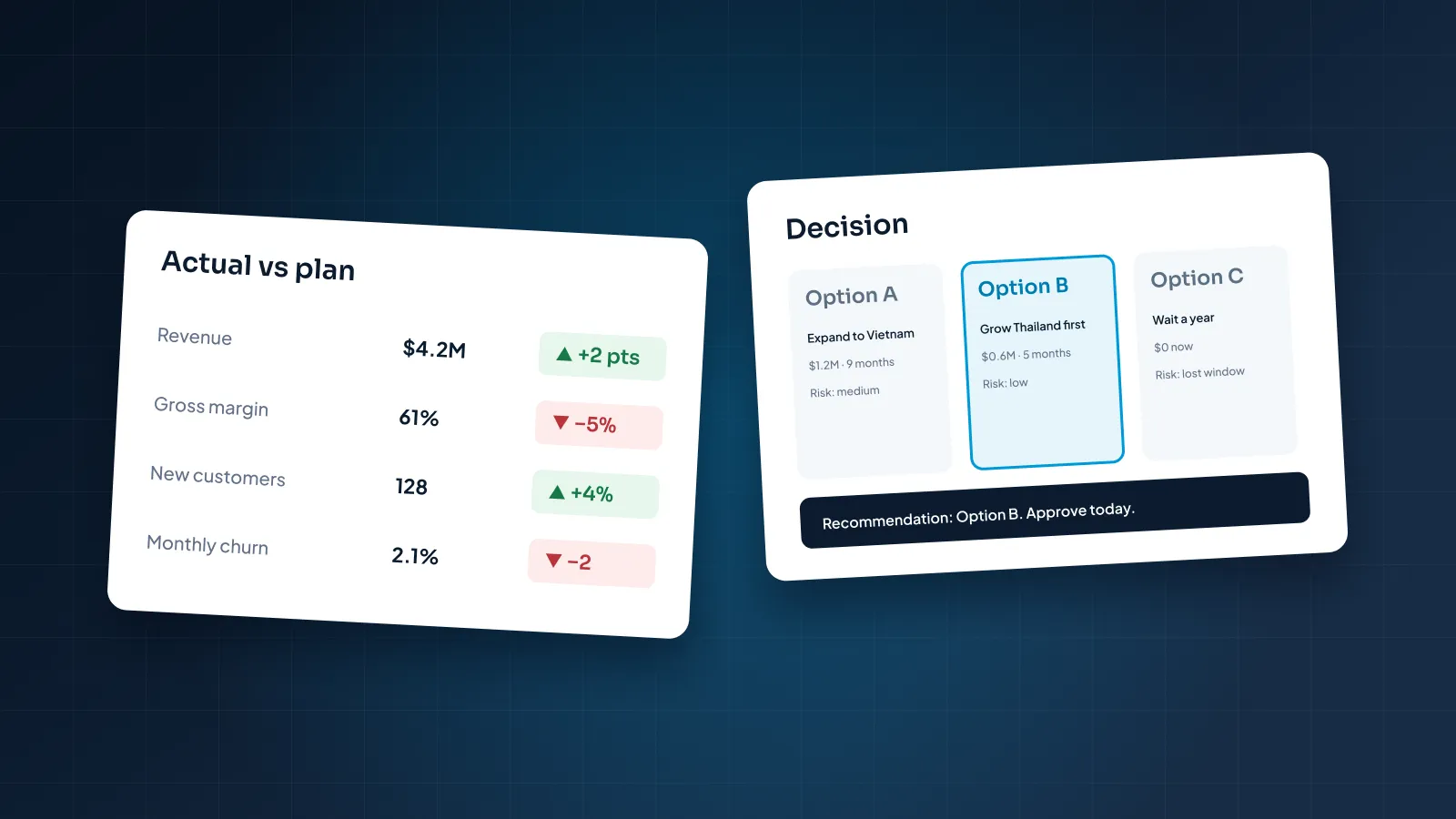
Value recap. Each goal with its result and status.
Outcome trend. The one or two outcomes that matter most, over several quarters.
Adoption. Where usage is strong and where it lags, by team or site.
Their priorities for next quarter. A discussion slide. Ask what's changing in their business before you recommend anything.
Recommendations and roadmap. What you suggest, and what's coming that serves their goals.
Asks and next steps. Commitments on both sides, with owners and dates.
The appendix holds everything else: full usage tables, support tickets, release notes and license details. It's there for questions, not for presenting.
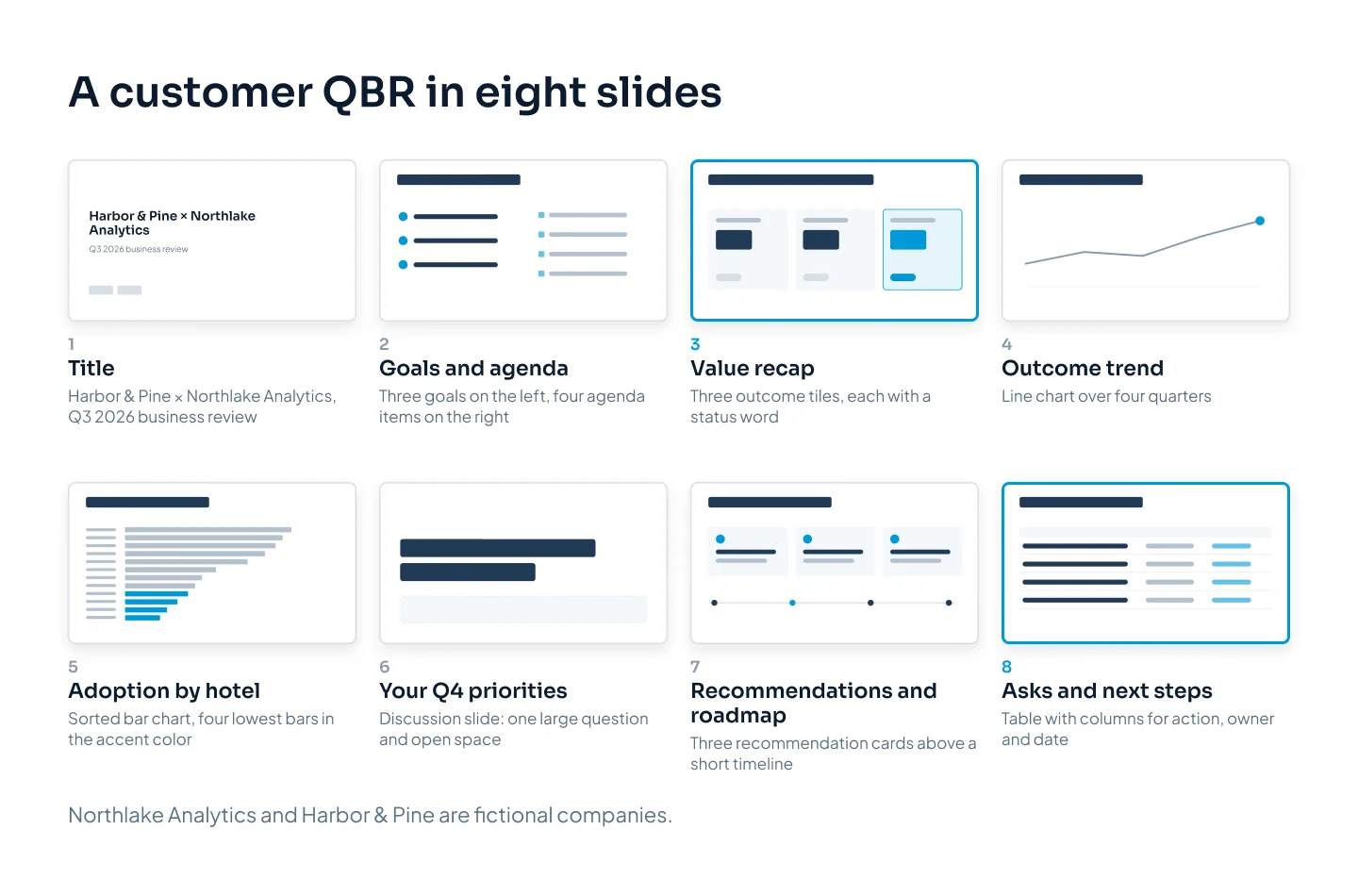
Aim to spend at least half the meeting on slides 6 to 8. If the look back takes 40 minutes, the deck has too much in it.
Slide 6 is the one many QBR decks leave out, and it changes the meeting. Asking "what's changing for you next quarter?" before you recommend anything means your recommendations answer their plans, not your release schedule.
The value recap slide
If the customer's executive remembers one slide, it should be this one. It answers the question they came with: did we get what we were promised?
The common version is a feature usage table: logins, dashboards created, reports exported, alerts set. Those are your product's numbers. The executive can't tell whether 4,812 logins is good, and they didn't buy logins.
The better version shows the goals you agreed last quarter and what happened to each one:
The goal, in the same words as last quarter's slide. That continuity is the point.
The result, as a number with its baseline: "1.5 hours a week, down from 6."
A status in words, such as Met, On track or Behind, with color as a second signal rather than the only one.
A title that states the overall picture, including what's behind.
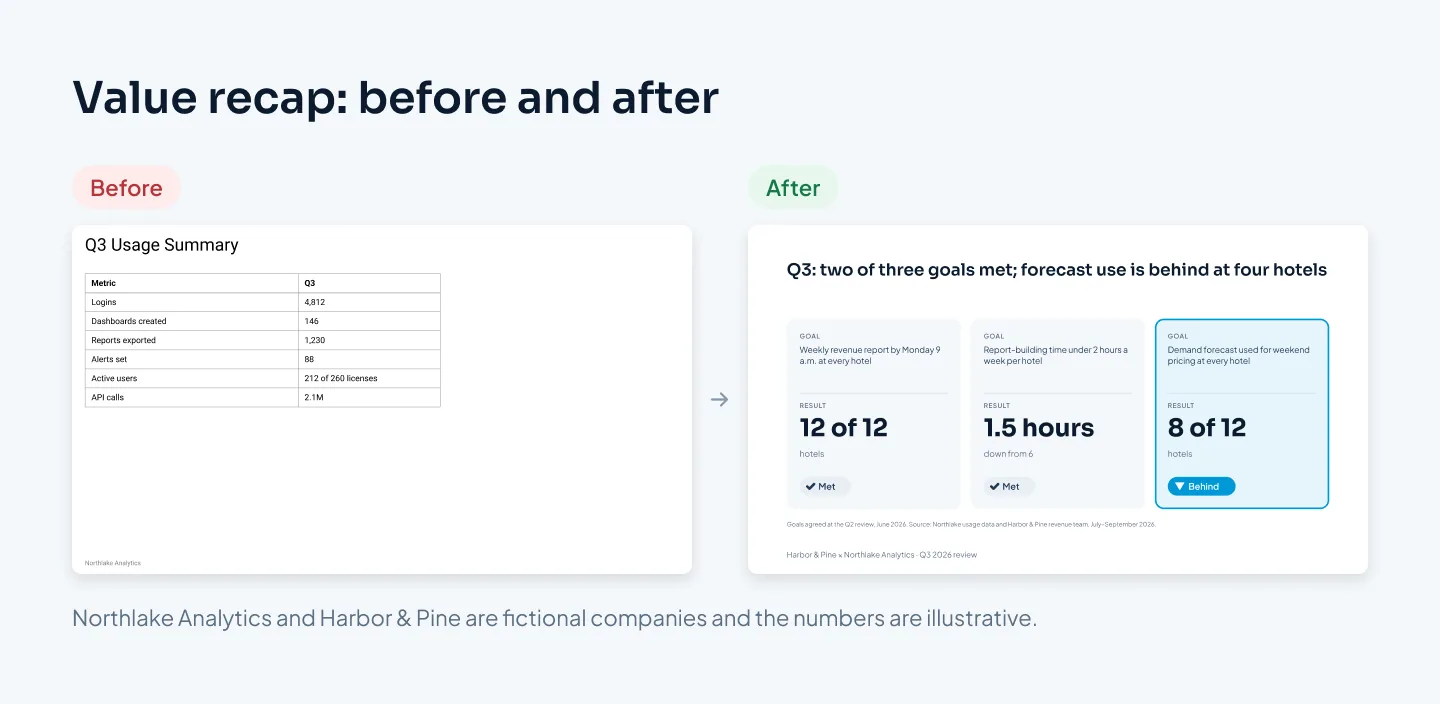
Three rules make the slide believable.
Show the miss. A recap where everything is green isn't believed. Harbor & Pine's forecast goal is behind at four hotels, so the slide says so, and the recommendations later show what to do about it.
Claim fairly. If the customer's own team did half the work, say so: "with your revenue team's new Monday routine." Executives notice when a vendor takes credit for their people's effort.
Start the loop if it doesn't exist. If nobody agreed goals last quarter, this QBR is where you start. Draft three goals in the customer's terms, agree them in the room and use them as slide 2 next time.
Usage and outcome data that means something
Usage data still has a place: it explains why outcomes happened or didn't. The rule is simple. Every usage number on a main slide should explain an outcome. If it doesn't, it goes to the appendix.
| Usage metric | The outcome it explains | How to show it |
|---|---|---|
| Weekly active users per hotel | Whether time savings will last | Bar chart by hotel, lowest four highlighted |
| Forecast views before rate changes | Whether pricing uses the forecast | Line over four quarters |
| Scheduled reports set up | Monday reports at every hotel | "12 of 12" as a big number |
| Support tickets by topic | Where training would help | Short table, top three topics |
A few habits keep data slides useful:
Use their language. A hotel group thinks in hotels, rooms, rates and staff hours, not seats, API calls and dashboards. "1.5 hours a week per hotel" is a cost the VP understands at once.
Show trends, not snapshots. Three or four quarters side by side show direction. One quarter alone shows very little.
Break totals down where the action is. A group average hides the four hotels that aren't using the forecast. A bar chart sorted by hotel shows them.
Agree the numbers before the meeting. Check your figures with the champion. A disputed number can take over the whole hour.
Handle benchmarks with care. If you compare the customer with others, use anonymized, combined figures, and check your contracts allow it.
Each chart should make one point, stated in its title, with the bar or line that proves it in your accent color. Our guide to presenting data in PowerPoint covers chart choice and decluttering in detail.
Recommendations and the roadmap
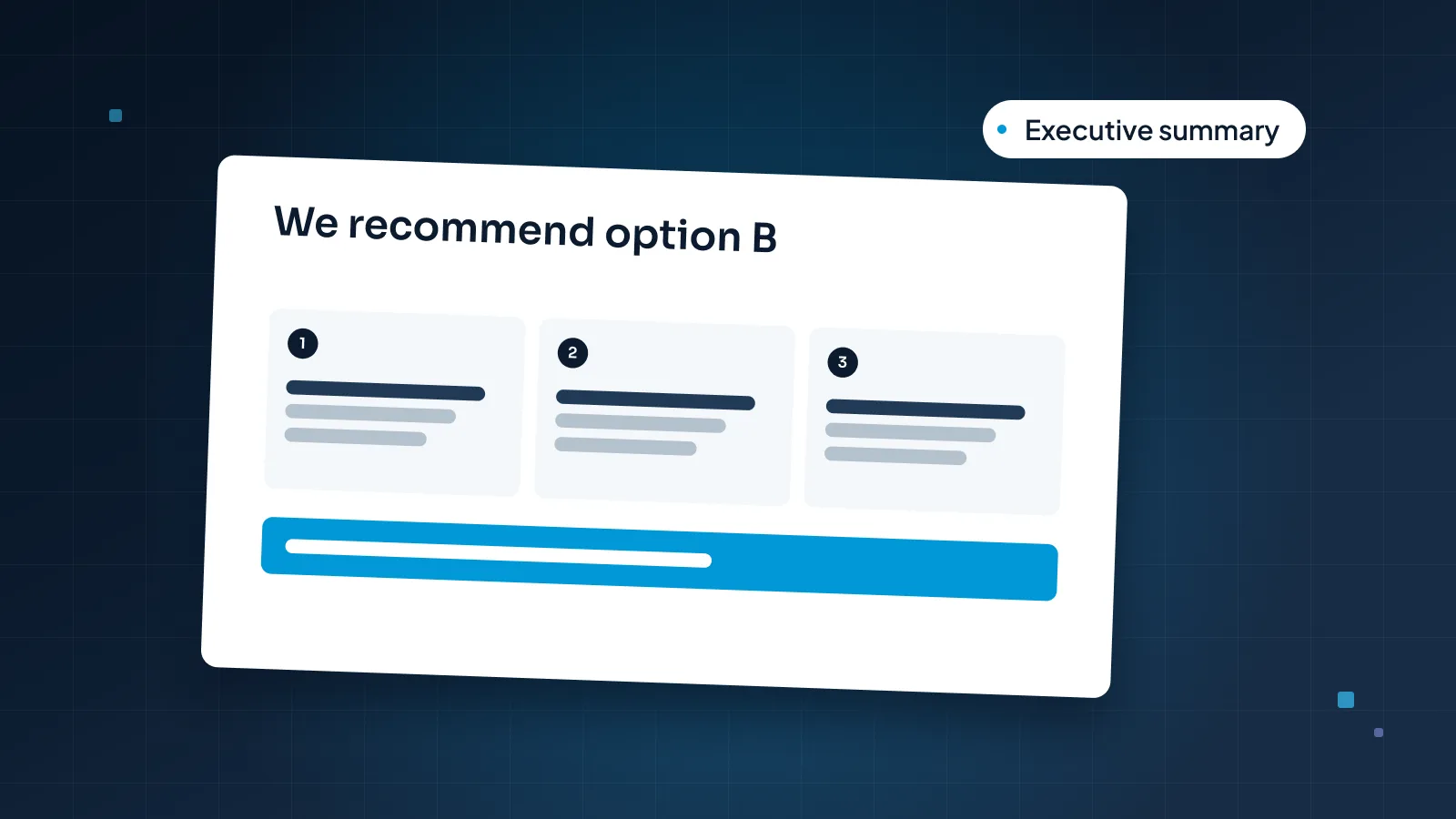
Recommendations turn the review into a plan. Keep them to two or three, and make each one specific:
What: "Train revenue managers at the four hotels not yet using the forecast."
Why: the goal it serves, in a few words.
Who and when: "Northlake customer success, two sessions in November."
What it costs the customer: staff time, budget or a change in how they work.
For Harbor & Pine, the list might read: train the four hotels' revenue managers, switch on forecast alerts before the weekly rate review, and add a group-level view for the VP's monthly meeting. Each one points back to a goal on the recap slide.
The roadmap slide is where QBRs often go wrong. Someone shows the full release plan, and the customer hears promises. Three rules help:
Show only what serves their goals, three items at most.
Label each one honestly: Available now, In beta or Planned.
Clear every item and date with your product team before the meeting. A date you miss will be quoted back at the next QBR.
Never promise a roadmap feature to cover a gap in the recap. Close the gap with what exists today, and mention the feature as planned, if it is.
Asks and next steps
The asks slide is what makes this a business review rather than a report. End with what each side needs from the other, written down.
Your asks might include:
An introduction to a new stakeholder, such as an incoming regional director
Access to data or a system you need to deliver a recommendation
A reference call or case study, with the customer's written permission
Time to discuss renewal or expansion, when it fits their goals
Their asks matter as much. Capture what they need from you during the meeting and add it to the slide before you send it.
Then list the next steps as a short table: the action, an owner on each side by name, and a date. Send it within a day. Next quarter, slide 2 opens with these same goals and commitments. That loop is what makes QBRs worth attending.
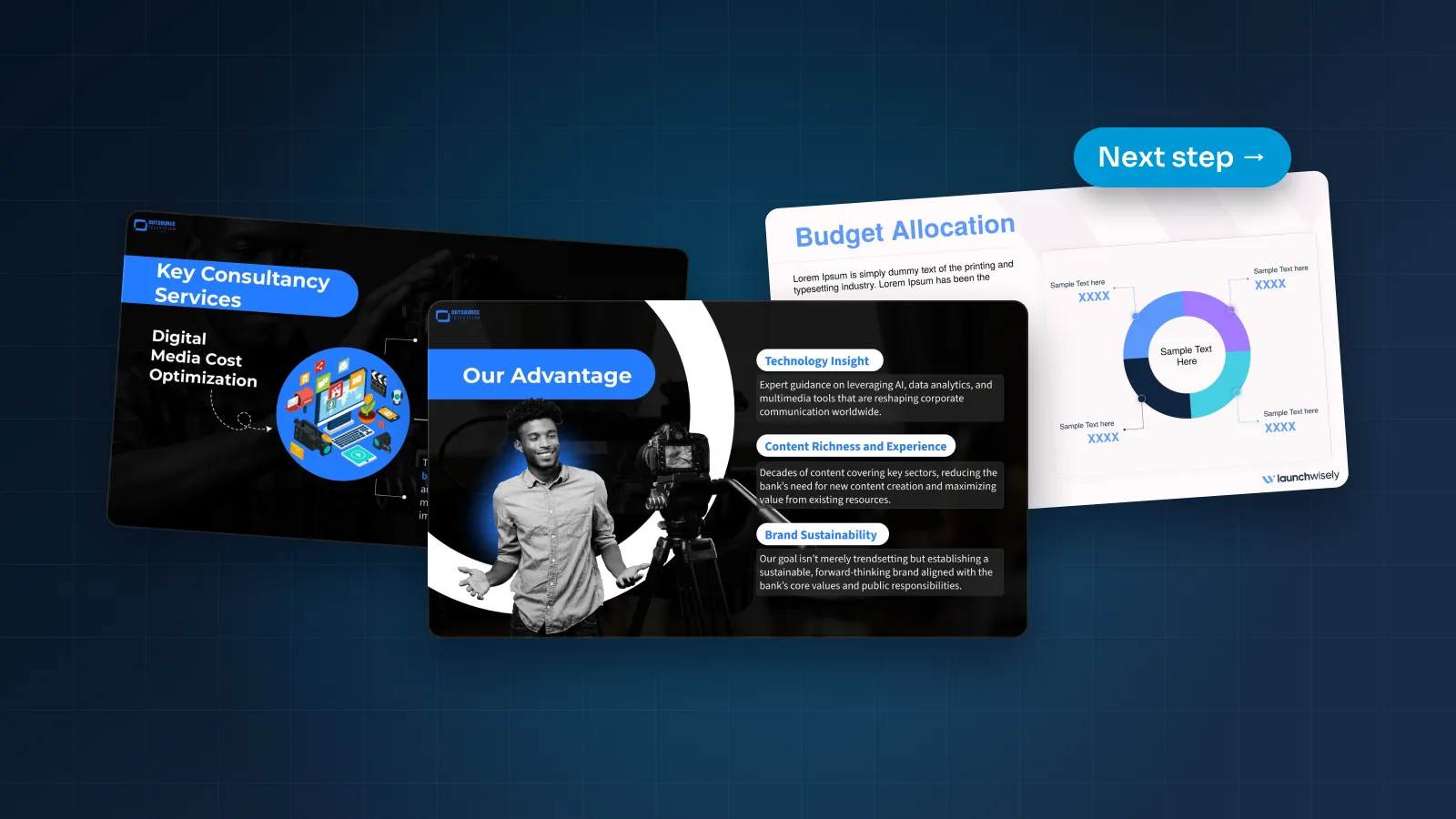
The same discipline sits behind any deck that asks for action. The realtor partnership sales deck we designed for Pilot Mortgage Group is built on pain points first, visible proof and one clear call to action.
Building a reusable QBR template
If every customer success manager builds QBRs from scratch, each customer gets a different deck, and each manager spends hours every quarter rebuilding the same slides. A quarterly business review template fixes both.
A good QBR template includes:
A layout for every recurring slide: title, goals and agenda, value recap tiles, outcome trend, adoption by site or team, discussion, recommendations, roadmap, and asks and next steps, plus an appendix divider.
Native charts linked to Excel, so a manager pastes in the quarter's export and the chart updates, instead of rebuilding a picture.
Prompt text in every placeholder, such as "Write the goal exactly as agreed last quarter."
Status styles built in, so Met, On track and Behind always look the same and always carry a word, not only a color.
A short-meeting route, such as slides 1, 3, 7 and 8 for a 30-minute check-in, so nobody has to decide what to cut on the morning of the meeting.
A data guide that says where each number comes from, so two managers never calculate adoption two different ways.
A customer's own logo in their own QBR is fine. Another customer's name, logo or data never belongs in it.
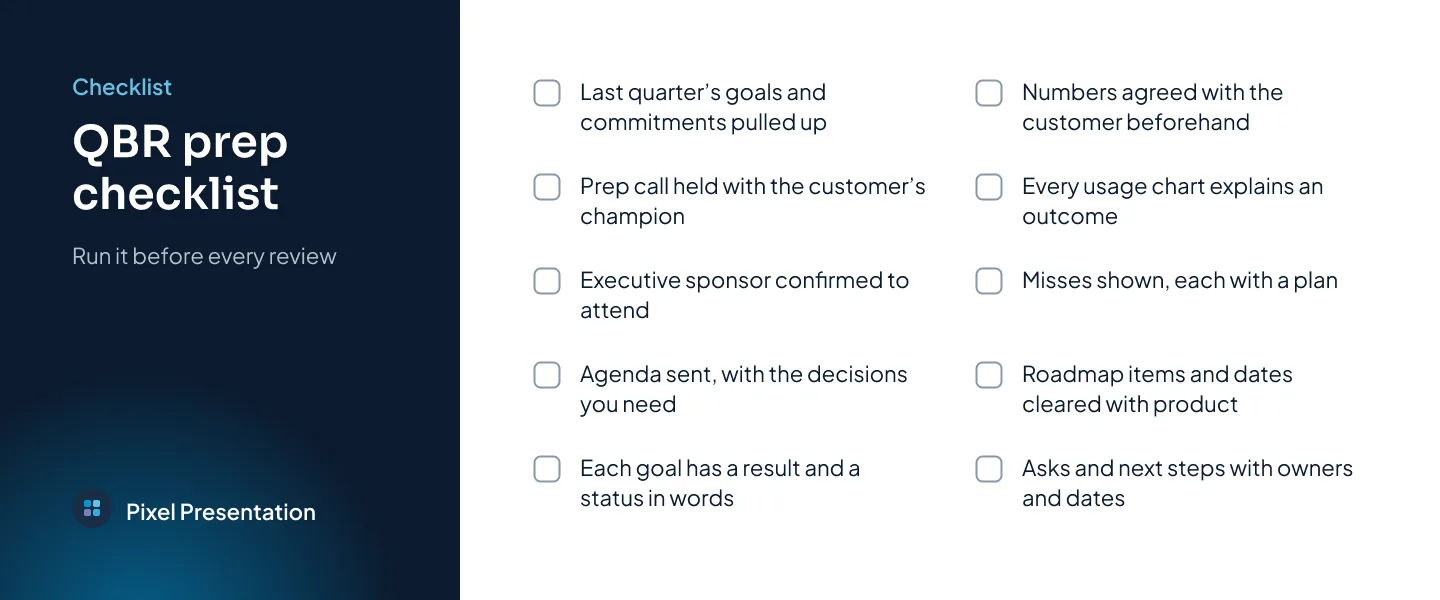
For how layouts and placeholders are built so non-designers can't break them, see our guide to custom PowerPoint templates. Before each QBR, run the deck through a short prep list like this one.
If you'd rather hand it over, our sales presentation design team can design a QBR deck for a key account, and we also build PowerPoint templates for teams that run QBRs every quarter.