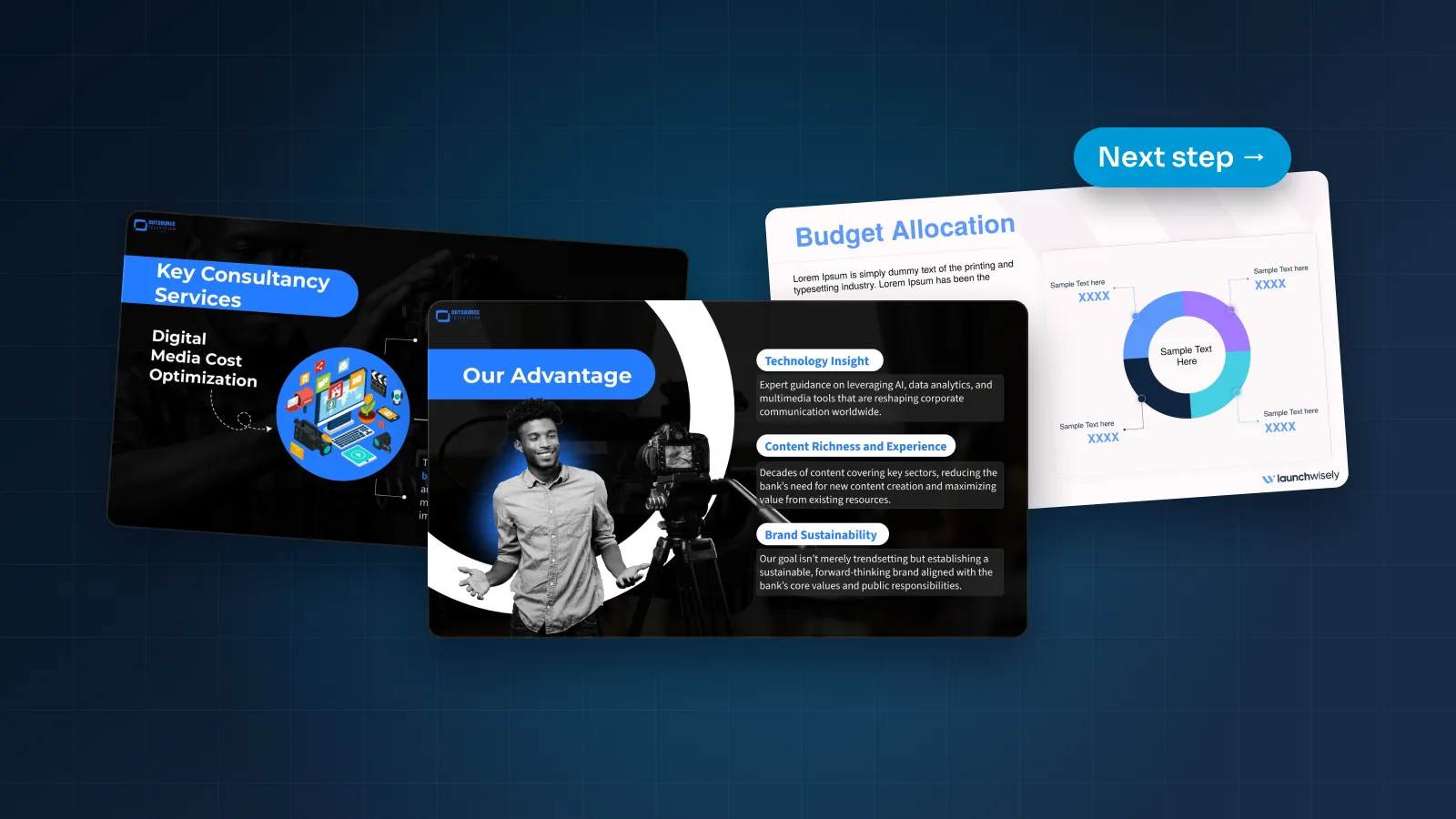
A company profile is often the first thing a stranger reads about your business. A buyer asks for "something about the company" before a first call. A partner needs an overview to share with their team. A candidate wants to know who they'd be working for.
Most profiles answer those requests the same way: a founding year, a mission statement, a slide of adjectives and a closing "Thank you." This guide gives you a better structure, slide by slide. Then it covers the presented and sent versions, how to make the profile believable and how to design one file the whole company can use.
What a company profile presentation is for
A company profile answers one question for someone who doesn't know you yet: is this company worth more of our time? It doesn't close a deal or approve a budget. It earns the next conversation.
That makes it different from a sales deck. A B2B sales deck is built around one buyer's problem and moves a deal to its next step. A profile is broader. It introduces the whole company, it's read by many kinds of people, and it changes every few months rather than every meeting.
Typical uses:
Before a first meeting, sent ahead so the other side arrives knowing what you do.
At the start of a meeting, as a five-minute introduction before the real conversation.
In tenders and supplier onboarding, as the company overview a procurement team files.
In recruiting, at career events and in offer packs.
Through partners, who introduce you to their own customers.
Whatever the use, a reader should be able to answer three questions within two minutes: what do you do, who do you do it for, and why should they believe you? If your current profile can't pass that test, the structure below will help.
A profile gets forwarded a lot, often to people you'll never meet. So the checks in our corporate presentation pre-send checklist apply in full: brand, accurate numbers, accessibility and a clean file.
A structure that works
Here's a core of ten slides that suits most B2B companies. To keep it concrete, the examples use Calder Robotics, a fictional company that builds robotic picking and assembly cells for distribution centers and manufacturers.
Cover. Your name, a one-line positioning statement and one strong, real photo. Positioning says what you do: "Robotic picking and assembly cells for distribution centers and manufacturers." A tagline says how you'd like to sound: "Engineering tomorrow." Lead with the first.
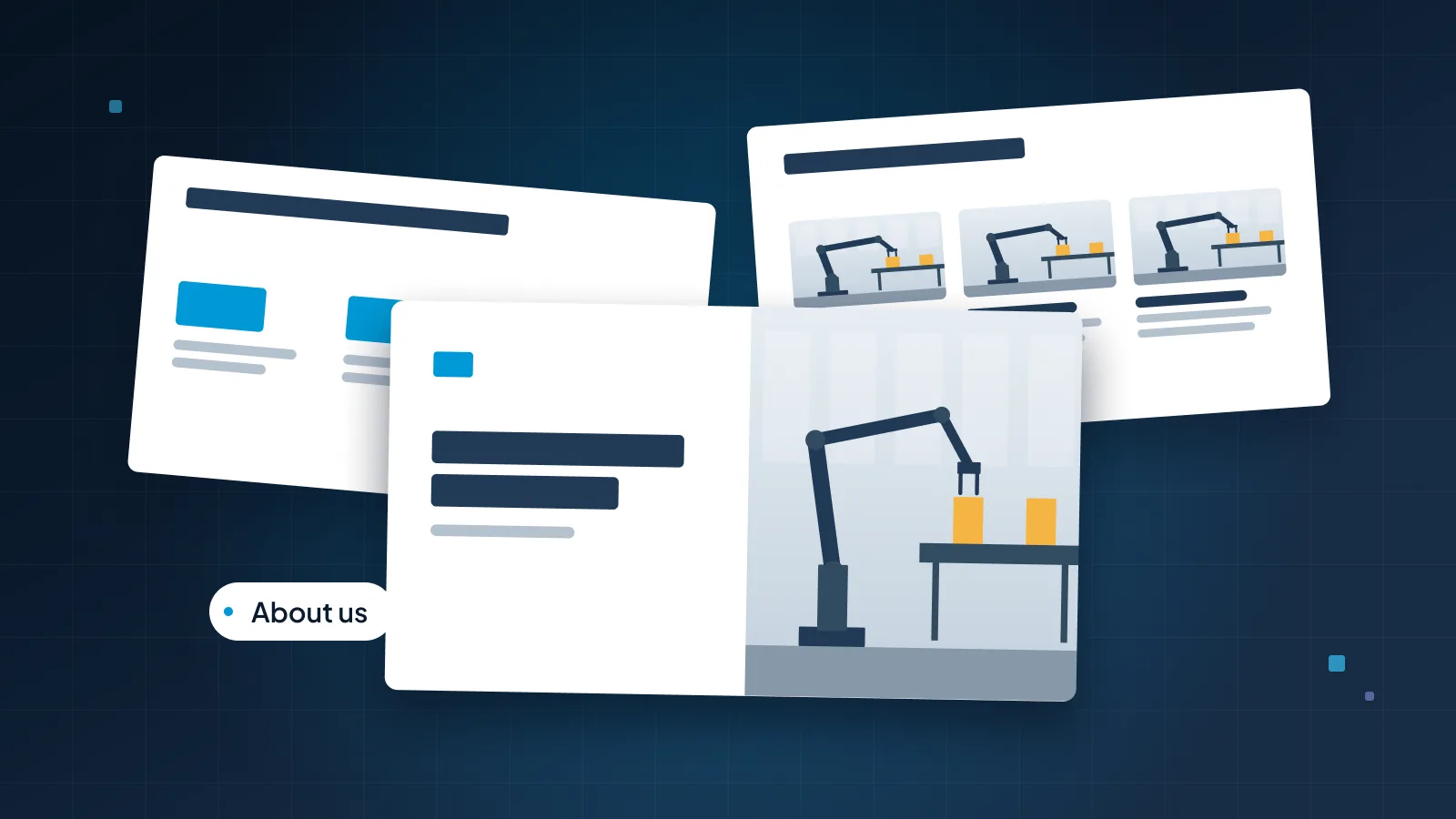
About us. The positioning expanded to a sentence, plus three facts that show scale or track record. More on this slide below.
What customers need. Two or three problems you solve, in your customers' words. This is the slide that makes the profile about the reader.
What we do. Your products or services, three to five at most, each with one line and a picture. If you offer twenty services, group them.
How we work. What happens after someone says yes, in four or five steps. It answers the question every buyer has and few ask out loud: what is it like to work with you?
Who we work with. The industries you serve and the customers you're allowed to name.
Results. One or two short case studies: the customer, the problem, what you did and the result, with a timeframe.
What makes us different. Three differentiators, each with a line of proof. If a competitor could say it too, cut it.
Leadership. The people the reader is likely to meet, with photos in one style, names, roles and one line of background each.
Next step. One specific action and a named contact. Not "Thank you."

Then add up to two optional modules for the audience in front of you. Common ones:
Locations and capacity, usually as a map
Certifications, quality and safety
Sustainability
History and milestones, on one slide rather than five
Careers and culture
Partner program
Financial highlights, where you're able to share them
Notice where the company history went: out of the core. A timeline matters to you far more than to most readers. If your track record helps, put one fact on the About slide, such as "Installing robot cells since 2019," and keep the timeline as a module for the audiences that ask, such as tender panels or investors.
Ten to twelve slides is enough. Presented, that's about ten minutes; read alone, a few. If your profile runs to 30 slides, most of it belongs in modules or on your website.
The About slide does the most work
If a reader opens your profile and stops after two slides, the About slide is what they take away. It's also the slide most often wasted on a paragraph that starts with the founding year, a list of values and a stock photo of a handshake.
A strong About slide has three parts:
A title that states what you do and for whom, as a sentence.
Three facts that prove it, as large numbers with short labels and an "as of" date.
One real photo of your product, your people or your work.

The rebuilt version says less and proves more. "A leading provider of world-class automation solutions" becomes "140 robot cells installed since 2019."
Presented vs sent: two versions
Many company profiles are read more often than they're presented. They're emailed before meetings, attached to tenders and forwarded inside the other company. Someone opens the PDF on a phone, with nobody there to explain the slides.
That's why one file rarely does both jobs well. Build two versions from the same master.
The sent version has to stand on its own. Every title is a full sentence. Each slide carries enough text to make its point without you: a few lines under the headline, a source or date under every number, and contact details on the last slide. Start here, because more people will read this version than will ever hear you present.
The presented version is a backdrop for you. Cut each slide back to its headline and one visual, and move the detail into the speaker notes. In a first meeting you'll rarely show all ten slides anyway. Three or four are usually enough: About us, what customers need, one result. Then close the deck and talk about their needs, which is why you're in the room.
Some teams add a third version, the leave-behind: three to five pages sent after a meeting that recap what you discussed, the parts of your offer that fit and the agreed next step. It's shorter than the full profile and written for one reader.

If you're introducing your company to a client's leadership team, cut even harder and lead with what you'd do for them. Our guide to presenting to executives covers that format.
Making it credible
A profile is a set of claims about yourself, and readers know it. Credibility comes from replacing claims with things they can check.
Facts instead of adjectives. "Leading," "innovative," "world-class" and "trusted partner" appear in so many profiles that they carry no information. Swap each one for a fact: a number, a customer type, a place, a date.
Dated numbers. Customer counts, headcount and installations go stale. Add "as of September 2026" under the facts. It shows the deck is current, and it protects you when an old copy turns up.
Customer names and logos only with permission. A logo wall is a strong signal, which is exactly why each logo needs the customer's agreement. Without it, describe the customer: "a European automotive supplier with four plants" is still useful proof.
Results with context. A number, a timeframe and a setting: "Cycle time down 18% in six months, on two assembly lines." A bare "18% faster" invites the question "faster than what?"
Quotes from real people. A name, a role and permission to use them. An unnamed "happy customer" quote does more harm than no quote at all.
Real photos. Your team, your product, your sites. If you don't have good photos yet, a clean slide with no photo beats a stock image the reader has seen in ten other decks.
Current credentials. List certifications and awards only while they're valid, and say what each one means for the reader.
If a competitor could put the same sentence in their profile, it isn't telling the reader anything.
The test is simple. Read each slide and ask: could our closest competitor say this word for word? If yes, make it more specific or cut it.
Design: one brand, many uses
A company profile rarely stays one file. Sales copies it for a prospect, HR copies it for a career event, a partner manager copies it for a reseller. Each edits a few slides. A year later there are nine versions with three different headcounts and two logos.
The fix is to design the profile as a small system rather than a single deck:
A master file with the core slides and every module, owned by one team.
A layout for each kind of slide: cover, fact slide, product cards, process, logo wall, case study, team, map and contact. When someone needs a new case study slide, they pick the layout instead of copying an old slide.
Theme fonts and colors set once, so pasted slides take on the brand.
One photo style and one icon set, so slides from different modules look like one company.
Each team then pulls the slides it needs:
| Who uses it | What they need | Slides to pull |
|---|---|---|
| Sales | A first-meeting introduction | About us, What customers need, Results, Next step |
| HR and recruiting | Why someone would join | About us, What we do, Careers and culture, Locations |
| Partners | How to introduce you | What we do, Who we work with, How we work, Partner program |
| Tenders and procurement | Capability and risk | How we work, Certifications, Locations and capacity, Results |
| Investors and press | Scale and direction | About us, Results, Leadership, History |
This is the same thinking behind a good brand template. Our guide to custom PowerPoint templates explains how layouts and placeholders let non-designers add slides without breaking the grid, and our PowerPoint template design service builds that kind of file. For an example, see the launchwisely branded presentation template.
The everyday design rules still apply: one idea per slide, a grid, two fonts and one accent color. If your current profile needs a general tidy-up first, start with how to make a PowerPoint look professional.
If you'd rather hand the whole profile over, our corporate presentation design service covers it, from the master file to the PDF you send.
Keeping it up to date
A profile goes stale quietly. Nobody notices the old headcount until a prospect quotes it back to you.
A few habits keep it current:
One owner and one master. Usually marketing. The master lives in one shared place, and old copies get deleted, not saved next to it.
A short review every quarter. Check every number, logo and photo. Ask sales and HR which slides they used and which questions the profile didn't answer.
A review after any big change. A new product, a new market, a new leader or a rebrand means updating the master that week.
Numbers in one place. Keep the facts that change (customers, installations, countries, headcount) on one slide in the master, with their "as of" dates, and update that slide first.
Permissions rechecked. Customers leave, and logo permissions can lapse. Remove any logo you can no longer show.
A fresh PDF after every update, with the month in the file name, so the sent version always matches the master.
When the profile and your website disagree, readers trust neither. Update both on the same day.