Short deadlines rarely arrive with a finished deck. The investor meeting moves up a week. A prospect asks for the proposal by tomorrow. A speaker drops out and you're on stage on Thursday. What you have is a draft, a few notes and a date that can't move.
The real question isn't only whether someone can design it in time. It's what can be done well in the time, and what has to come from you. This guide is honest about both: what's realistic in 24 or 48 hours, what makes speed possible, what to send, how Express and Rush delivery work, what to cut, and what to do if you have to fix the deck yourself tonight.
What's realistic in 24 or 48 hours
Speed compresses time. It doesn't compress decisions. A fast deck works when the thinking is done and only the design is left.
Realistic in a short window:
Designing every slide of a deck whose content and numbers are final.
Applying your brand: fonts, colors, logo, or an existing template you have to use.
Turning your data into clean, native charts.
Splitting crowded slides and tightening headlines, without changing what you're saying.
Editable source files and a PDF you can present or send.
What speed can't fix:
An unsettled story. If the message changes halfway through, the slides designed before that point are wasted, and the hours with them.
Content that keeps arriving. A new section on day two, or numbers from finance on the morning of the deadline, push everything back.
Too many approvers. Five people who haven't seen the brief can take longer to agree than the design takes to build.
Answers you don't have yet. A brand template needs agreement on which layouts it includes; an event deck needs the venue's screen size. If those answers aren't in hand, speed won't produce them.
Writing is a special case. We can write from your notes on request, and writing isn't marked up on fast orders. But on a tight deadline, writing and design happening at the same time leave you very little room to check the words that will go out under your name. If the content isn't written yet, settle that first.
Size matters too. More slides need more designer hours, and Express and Rush depend on a designer having those hours free. You see the options available when you order.
What makes a fast deck possible
Five things decide whether a fast deck goes well. Four of them are in your hands.
Final content. Your words, your numbers, your slide order. A draft that needs a few small edits is fine; one that might be rewritten isn't.
Brand files in one place. Logo, fonts, colors and any template you must use. Hunting for a logo file late at night wastes hours nobody has.
One approver. One person who can say yes, and who is free when the deck lands. If the CEO has to sign off, they need to know the review is coming.
Fast, consolidated feedback. One complete list of changes, from one person, in one message. A trickle of comments from five people can turn one revision round into several.
A designer with the hours free. This is the one you can't control, which is why availability is shown when you order instead of promised up front.
Most of these are what any good brief covers. Our guide to writing a presentation design brief goes into it in detail. For a fast job, the short version in the next section is enough.
Here's how a fast project runs with us, and where your part comes in:

The clock starts at the order, once your content and brief are in. Your review comes after the handover and has no time tag for a reason: how long it takes depends partly on how quickly you reply.
What to send
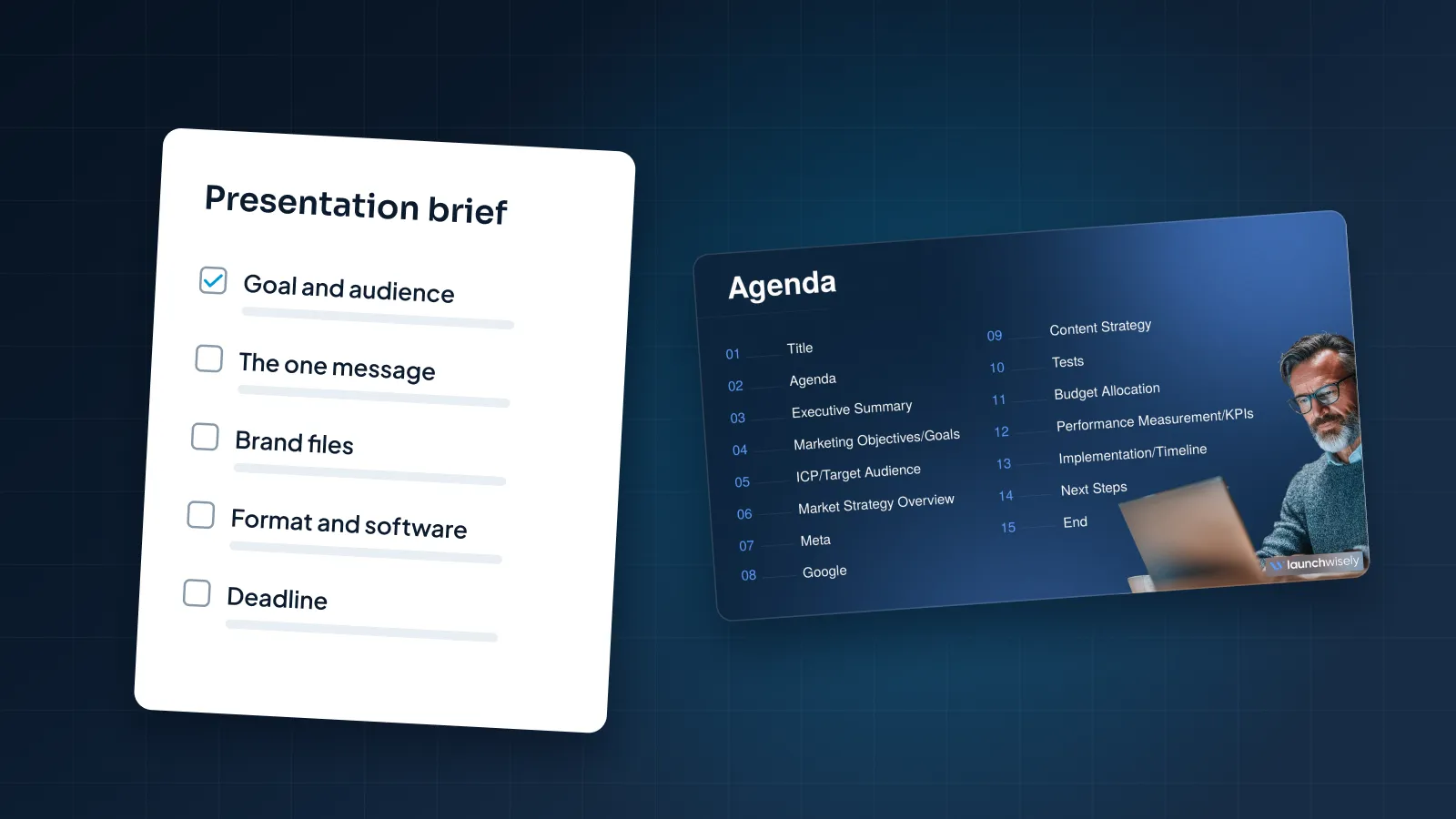
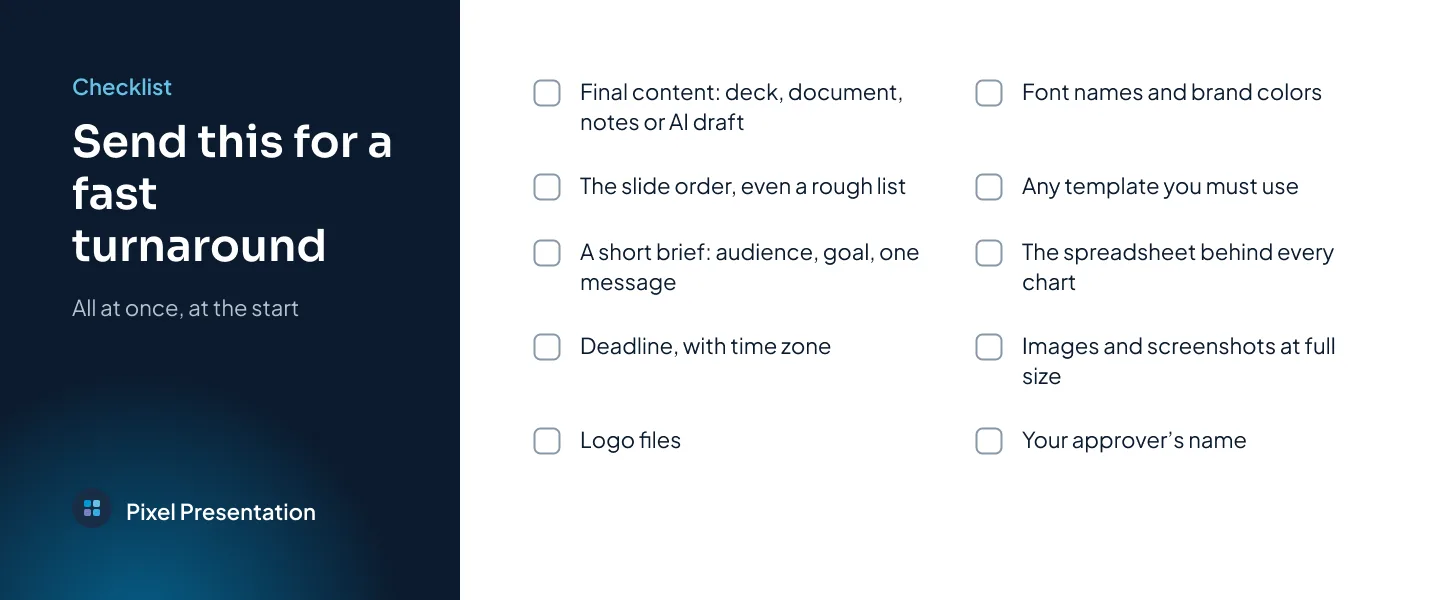
Send everything in one go, at the start. The clock starts when the order is placed with the content and brief we need, and missing content can delay delivery. If you're not sure whether something is needed, send it. A designer can ignore a file; nobody can design from one that's missing.
Your content: the current deck, a document, notes or an AI draft.
The slide order, even a rough numbered list of what each slide should say.
A short brief: who the audience is, what you want them to do, and the one message.
Your deadline, with the time zone, and whether the deck will be presented, sent or both.
Brand files: logo, font names, colors or brand guidelines.
Any template you're required to use.
The spreadsheet behind every chart.
Images and screenshots at full size, not pasted into a document.
The name of your approver, the one person who signs off.
How Express and Rush work
Here's how fast delivery works at Pixel Presentation.
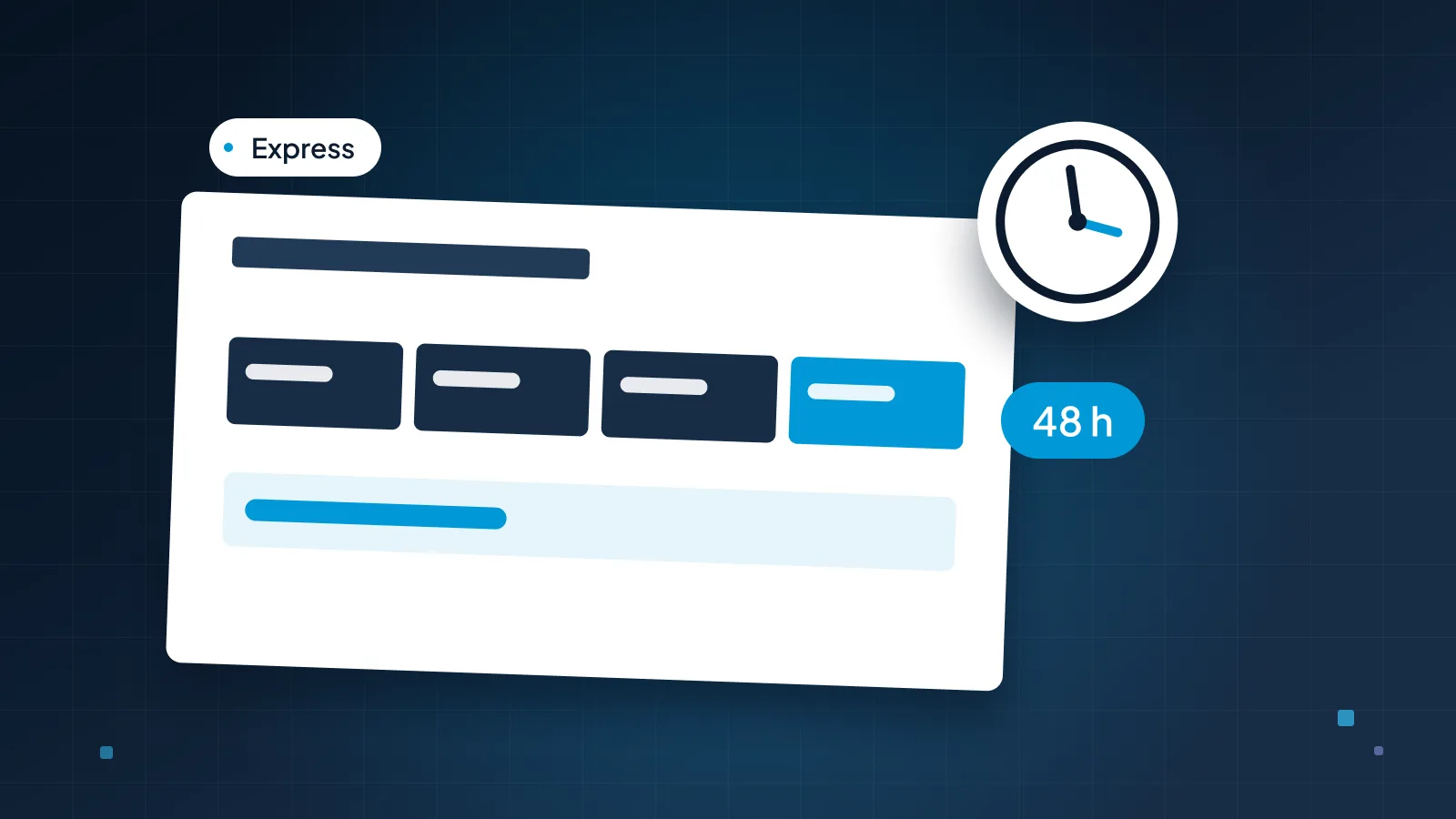
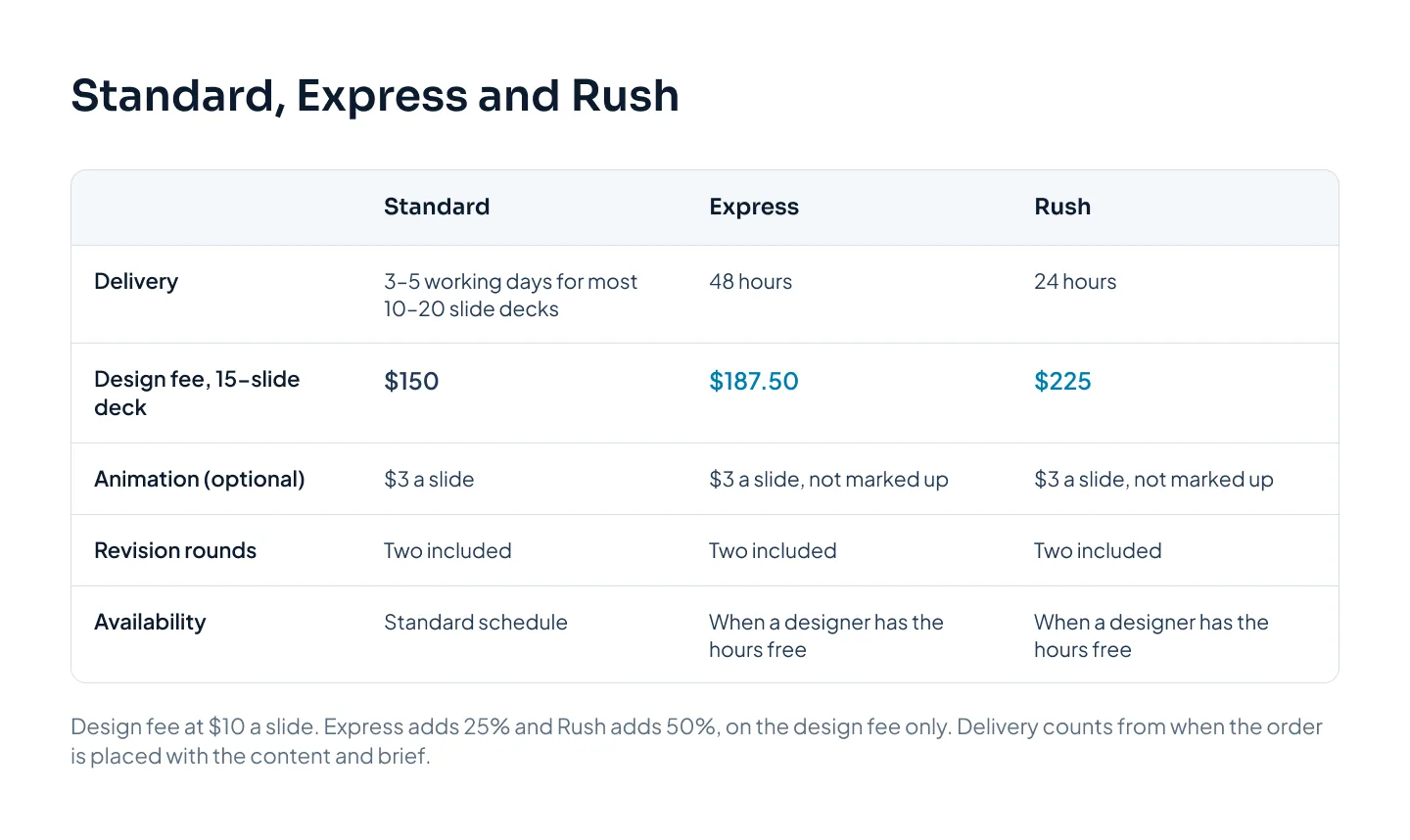
Two speeds. Express delivers in 48 hours and adds 25% to the design fee. Rush delivers in 24 hours and adds 50%. Extras such as writing or animation are not marked up.
Availability. Both depend on a designer having the hours free. You see the options available when you order, so you know where you stand before you commit.
The start. The project starts the same day you order, once the brief and content are in. A designer starts, confirms the slide order with you, then designs every slide, sharing progress as it goes.
The clock. It starts when the order is placed with the content and brief we need. Missing content can delay delivery.
Checks and revisions. Every slide is reviewed before delivery. Two revision rounds are included on every order, express or not.
Files. Source files in PowerPoint, Google Slides or Keynote, plus a PDF, ready to download once the order is paid.
Our express presentation design page sets out the same terms.
What it costs
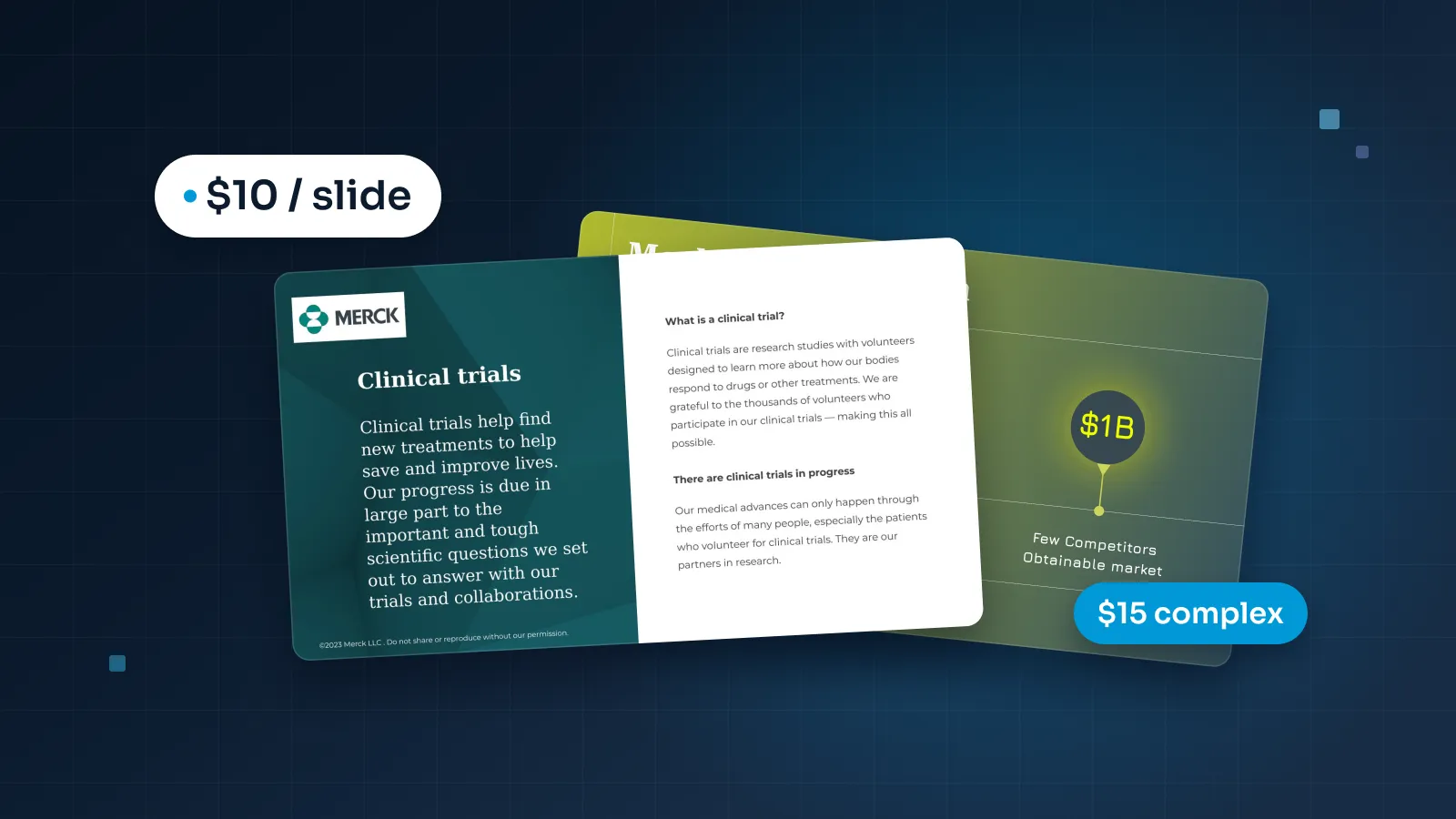
Design is $10 a slide, so the design fee on a 15-slide deck is $150 at standard speed. Express adds 25%, making it $187.50. Rush adds 50%, making it $225.
Because extras aren't marked up, adding animation to five of those slides at $3 a slide adds $15 at any speed: $202.50 with Express or $240 with Rush. Complex slides, such as multi-series charts or process diagrams, are $15 instead of $10, and the Express or Rush percentage applies to that design fee in the same way.
The pricing estimator shows the exact price for your own deck before you order, and our guide to what presentation design costs explains the rest of the pricing.
What to cut when time is short
When the clock is short, a shorter deck is usually a better deck anyway. Start from the one thing you want the audience to do at the end, and keep the slides that move them toward it.
| Keep | Simplify | Move or cut |
|---|---|---|
| The opening and the one message | Three charts into one clear chart | Long company history |
| The problem or need, in their terms | Custom illustrations into photos or icons | Repeated points |
| Your proof: results, numbers, a customer quote you're allowed to use | Animation on every slide into motion on one or two | Detail they can read later, into an appendix |
| The ask and the next step | Full tables into the rows that matter | Slides nobody will miss |
Moving detail to an appendix is the most useful cut of all. Nothing is lost, the main deck gets shorter, and anyone who wants the full numbers can still find them.
Simplifying also saves design hours, and it can save money. A complex slide costs $15 rather than $10, so swapping a custom diagram for a clean three-point slide is one way to keep a rush order lean.
For a sense of what a focused deck looks like, see the Pilot Mortgage Group realtor sales deck: pain points first, visible proof and one clear call to action.
Doing it yourself tonight
Sometimes no designer is free, or the deck is an internal update that doesn't need one. Here's a triage order that gets the most visible improvement in the least time. Work through it in order and stop when you run out of evening.
Rewrite the titles. Make each slide's title the point of the slide, as a sentence: "Onboarding time fell from 21 to 12 days", not "Onboarding update".
Cut and split. One idea per slide. Move anything extra to the next slide or an appendix.
Use one template. Paste every slide into the same template so fonts and colors match, and set the theme fonts and colors once.
Align to the margins. Titles start in the same place on every slide; nothing sits outside the margins.
Fix the charts. Title each one with its takeaway, delete gridlines and 3D effects, and put the bar that matters in your accent color.
Swap paragraphs for big numbers. Where a slide says one important number, show the number large with a short label.
Test on the real computer. Open the deck on the machine you'll present from, check the fonts, and save a PDF as a backup.
Our guide on how to make a PowerPoint look professional covers each of these in more depth.
An AI presentation tool is a fair option for a first draft. It can turn a document into a draft deck in minutes. Expect to fix the story and the layouts, and note that exported files often have fixed text boxes that are harder to edit than a natively built deck. Our guide to making an AI presentation look professional covers that clean-up.
Speed compresses time, not decisions.
Plan ahead next time
Rush and Express exist for the deadlines you couldn't see coming. For the ones you can, the standard schedule costs less and leaves more room for review.
| Deck type | Standard turnaround | Good to know |
|---|---|---|
| Most 10–20 slide decks | 3–5 working days | Counted from when content and brief are in |
| Pitch decks | 5 working days | Or 48 hours with Express |
| Presentation redesign | 3–6 working days | Send the current deck and brand files |
| PowerPoint, Google Slides or Keynote design | 3–6 working days | Built natively in each tool |
| Sales decks | 5–8 working days | Designed in modules you can reorder |
| Corporate decks | 5–10 working days | Allow time for internal sign-off |
| Templates | 5–7 working days | The list of layouts is agreed in the brief |
| Animation | 2–4 working days | You choose which slides move |
| Event and keynote decks | 7–12 working days | Start two to three weeks before the event if you can |
Three habits make the next deadline easier:
Book design when you book the meeting. Count back from the date: turnaround, plus your review time, plus a little room for the revision rounds.
Upload your brand guidelines once. They can be used on every project, so the next order starts with them already in place.
Choose a design partner before you need one. Our guide to choosing a presentation design agency covers what to ask, from file formats to when the clock starts.